Connect Vibe to Exchange Server by Postgate AI
Vibe by Mistral (formerly Le Chat) supports custom MCP connectors with OAuth sign-in. Vibe then works directly with your mailbox, with your own Exchange permissions.
- A Mistral account (Vibe, formerly Le Chat)
- Your personal MCP address from the portal dashboard
Step by step
- 1
Copy your MCP address from the dashboard
Sign in to the Postgate AI portal. On the dashboard, under "Connect your AI assistant", you find your personal MCP address (format https://postgate-ai.com/mcp/your-company) with a copy button.
- 2
Open the connectors settings
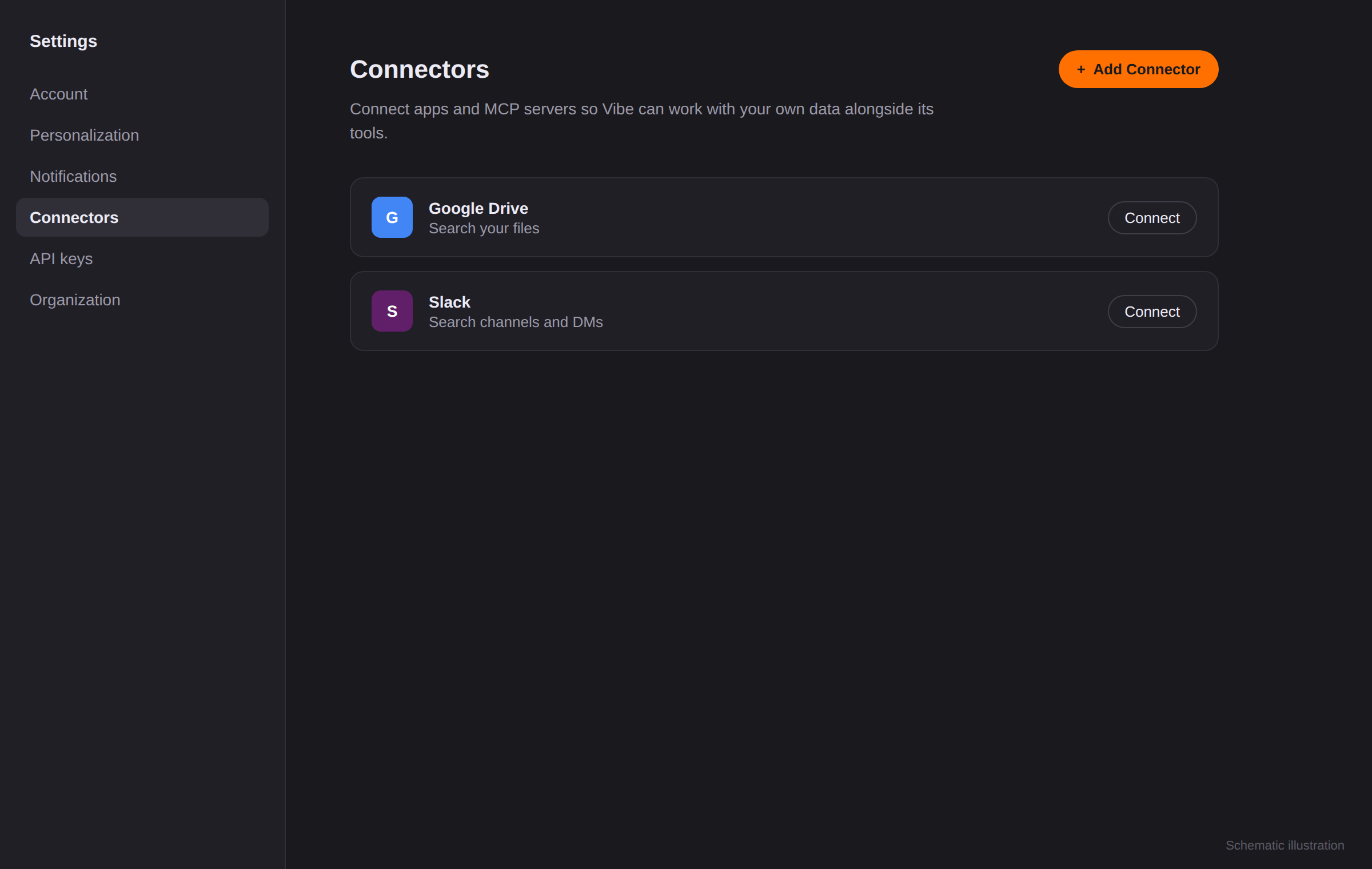
In Vibe click your account, open "Settings" and choose the "Connectors" section. Click "+ Add Connector" there.
Schematic illustration, not an original screenshot. - 3
Create the custom MCP connector
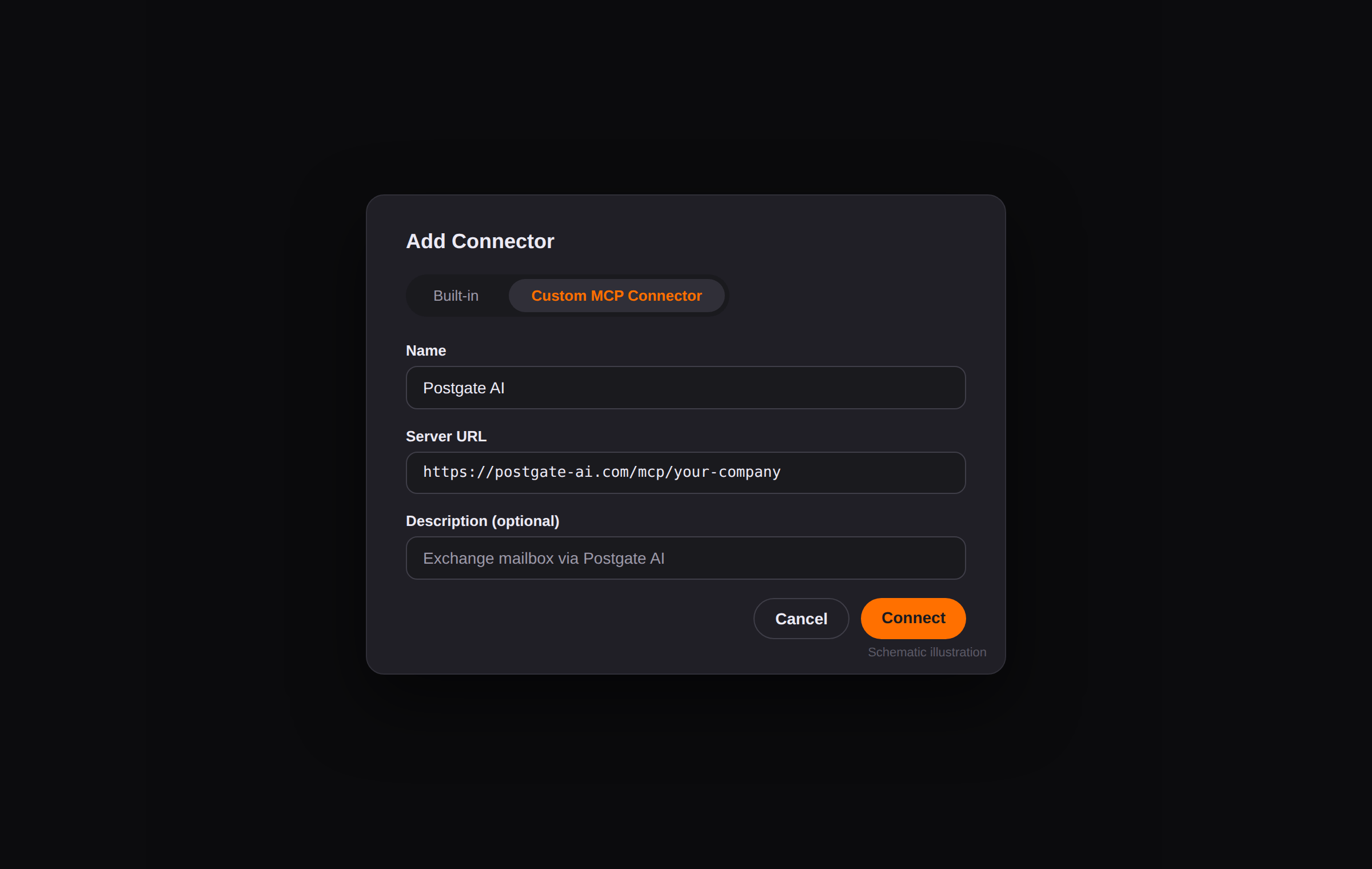
In the dialog choose the "Custom MCP Connector" tab. Enter a name (e.g. "Postgate AI"), your MCP address as the server URL, and an optional description. Confirm with "Connect", Vibe automatically detects the required authentication.
Schematic illustration, not an original screenshot. - 4
Sign in via OAuth
Vibe redirects you to the Postgate AI sign-in: use your portal account (e-mail + password or Microsoft) and approve access.
- 5
Use it in chat
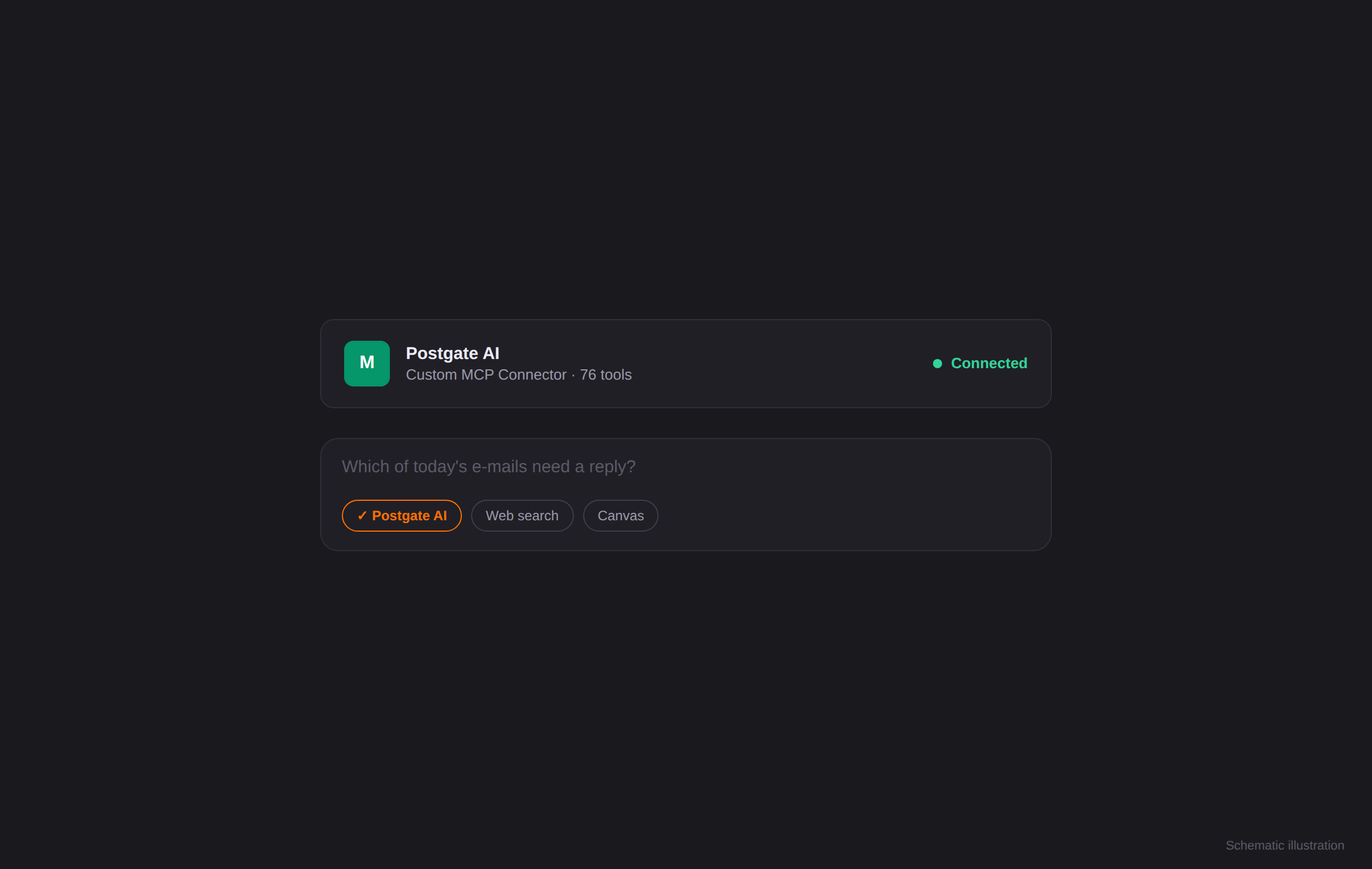
Postgate AI is now available as a connector. Enable it in a new chat and ask about your mailbox, for example "Which of today's e-mails need a reply?".
Schematic illustration, not an original screenshot.
If something goes wrong
No "+ Add Connector" visible
Check whether your Mistral plan supports custom connectors, or whether a team administrator needs to enable the feature.
Connection fails
Copy the MCP address exactly from the dashboard (https, no trailing space) and check that your trial has not expired.
Frequently asked questions
- Does Vibe need a token or client ID?
- No. Vibe automatically detects the OAuth sign-in as soon as you add the MCP address as a custom MCP connector.
- Does Vibe permanently see my mailbox?
- No. Access only happens when you ask a question, and strictly with your own Exchange permissions.
- Isn't the app called Le Chat?
- Mistral renamed the app from Le Chat to Vibe. How it works and custom MCP connectors are unchanged, this guide covers the current version.