Getting started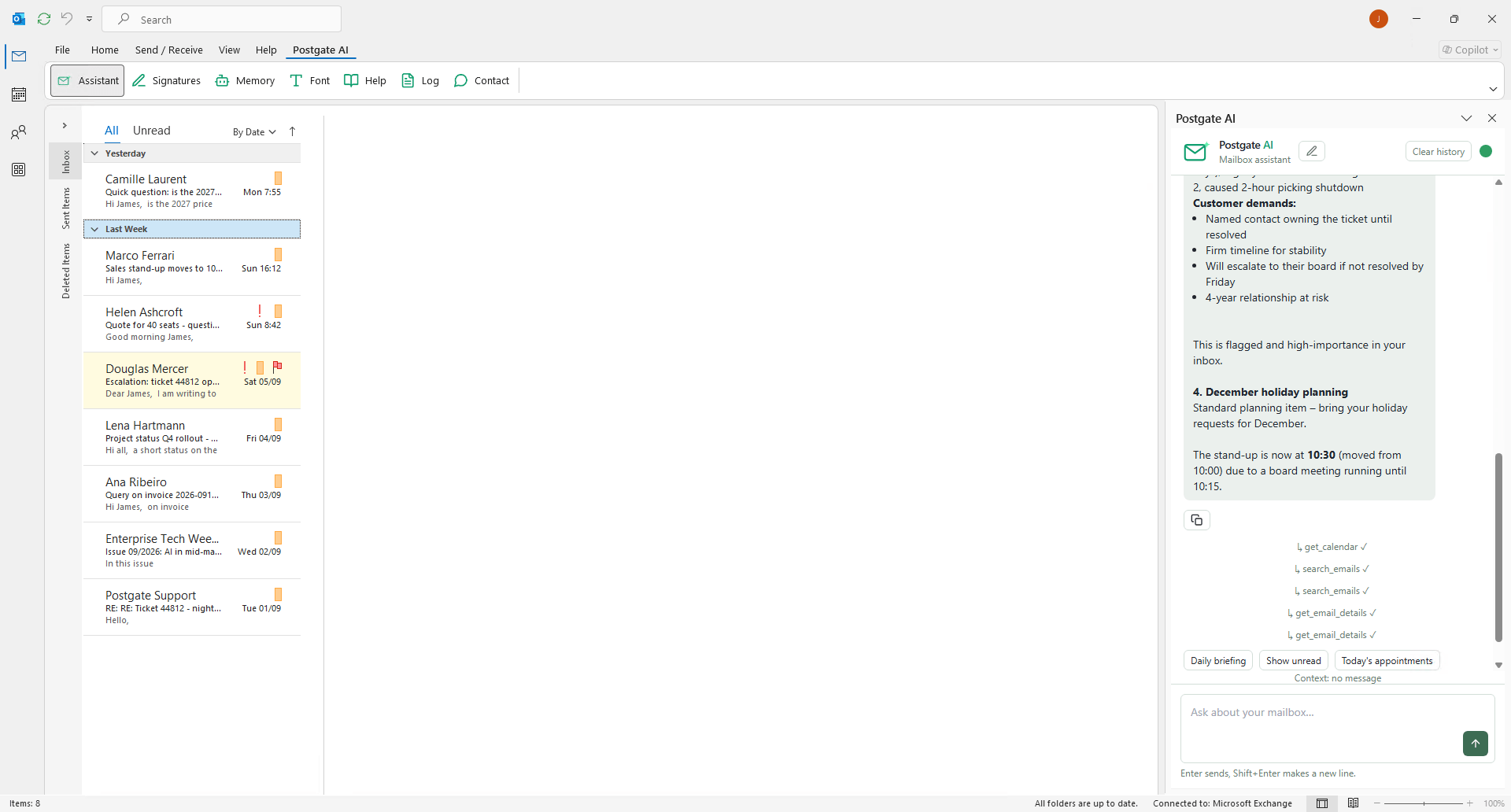
Getting started with Postgate AI for your Exchange Server
Step by step from sign-up to your first AI access to your Exchange mailbox. Anything left open here, we are happy to clarify personally.
1
Register & create organisation
- Start the trialVia "Start free trial" you register with a work e-mail and password. You confirm your address via a link (valid 24 hours).
- Connect organisation & ExchangeEnter your company name and the Exchange EWS URL (e.g. https://mail.yourcompany.com/EWS/Exchange.asmx). "Detect URL automatically" tries the usual hostnames; "Test connection" verifies live.
- Conclude the DPAThe Data Processing Agreement is a mandatory part of registration and is documented with time and name.
2
Connect your own mailbox
- Store credentialsEach user stores their own Exchange credentials in the portal once. Access happens strictly with the respective user permissions, no service account, no impersonation.
- Encrypted storageThe sign-in is verified live against your Exchange before saving and stored encrypted (RSA-4096) in Germany. Nothing is saved on failure.
3
Connect your AI assistant (MCP)
- Add the connectorIn Claude, ChatGPT, Mistral Vibe & co. add a custom MCP connector with your personal MCP address from the dashboard.
- Sign inOn first access you sign in with your portal account (e-mail + password or Microsoft). After that the assistant operates your mailbox in natural language.
4
Outlook add-in (optional)
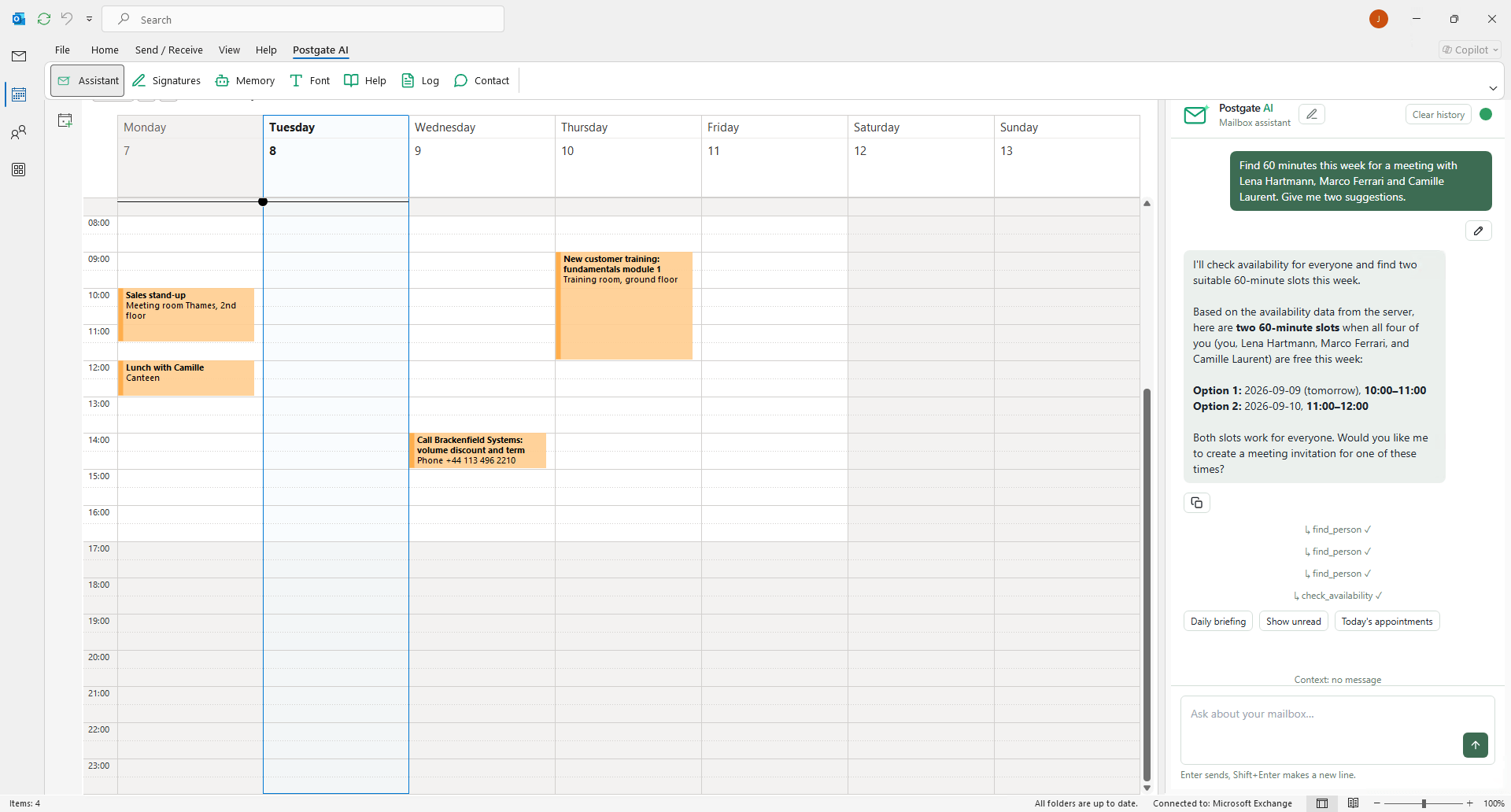
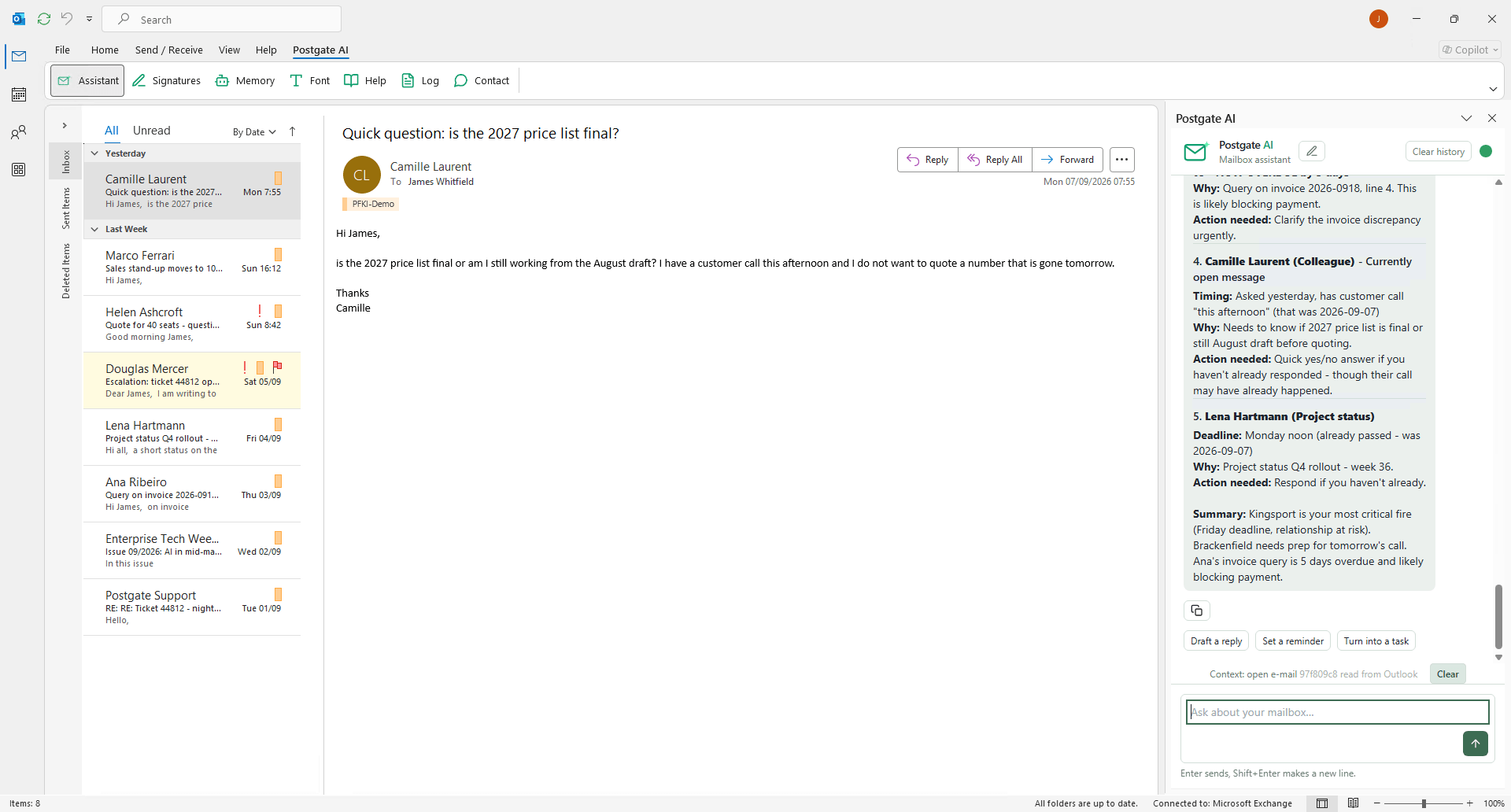
- When it helpsPostgate AI works fully through your AI assistant. The add-in additionally brings the AI right into Outlook, purely optional.
- InstallationAn Exchange administrator installs the add-in via manifest URL in the Exchange Management Shell. Users without a Microsoft 365 account pair via a one-time code (valid 24 h).
5
Invite colleagues
- Invitation linkIn the dashboard you create an invitation link or send invitations by e-mail. Colleagues register themselves and are assigned to your organisation.
- Manage accessYou keep an overview of all employee accounts; access can be suspended and re-enabled.
6
Billing & subscription
- PlansNet per user per month: €5.90 (annual), €6.90 (3 months) or €7.90 (monthly). Payment starts only after the trial.
- Book & payBook directly in the portal by credit card, PayPal or SEPA (via Mollie, PCI-compliant). Invoices are available for download in the portal.
- CancelCancel anytime in the portal to the end of the paid term, access stays active until then.
7
Security & privacy
- Hosting in GermanyOperation and encrypted storage in Germany, with the self-hosted license, in your own environment. The DPA is available to registered customers in the portal. Details on the permission and data model on the security model page.
8
Troubleshooting
- Exchange not reachableThe server must be reachable from the internet, at least for our server IP over port 443. You find this IP during setup.
- Autodiscover failsEnter the EWS URL manually (format …/EWS/Exchange.asmx) and use "Test connection".
- Forgot passwordVia "Forgot password?" on the login you get a reset link (valid 2 h).
Frequently asked questions
- Do I need a Microsoft 365 account?
- No. Each user signs in with their own Exchange credentials; on-premises Exchange is enough.
- Can Postgate AI see my e-mails?
- Access happens only with your own permissions and only when your AI assistant performs an action. There is no shared service account.
- Which assistants are supported?
- Any that support an MCP connector, for example Claude, ChatGPT, and Mistral Vibe. The Outlook add-in is optional.
- Can I try before buying?
- Yes, 14 days free with your own Exchange, no credit card. The trial ends automatically.