Connect Perplexity to Exchange Server by Postgate AI
Perplexity supports custom remote MCP connectors directly on the web. Perplexity then searches your mailbox as confidently as the web - with your own Exchange permissions.
- Perplexity Pro or Enterprise
- Enterprise: an admin must allow custom connectors for members
- Your personal MCP address from the portal dashboard
Step by step
- 1
Copy your MCP address from the dashboard
Sign in to the Postgate AI portal. On the dashboard, under "Connect your AI assistant", you find your personal MCP address (format https://postfach-ki.de/mcp/your-company) with a copy button.
- 2
Open the connectors settings
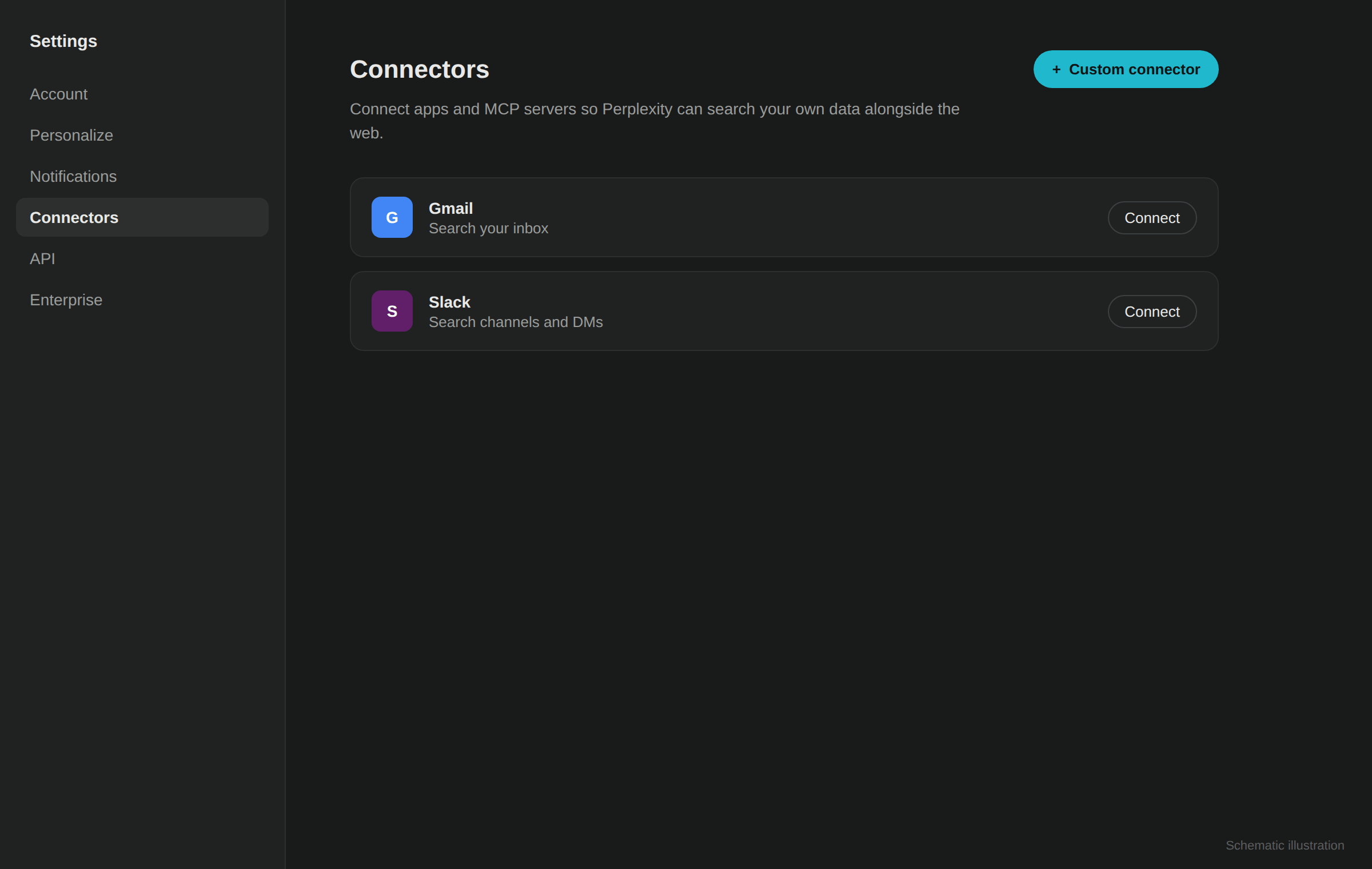
On perplexity.ai click your account in the bottom left, open "Settings" and choose the "Connectors" section. Click "+ Custom connector" in the top right.
Schematic illustration, not an original screenshot. - 3
Create the remote connector
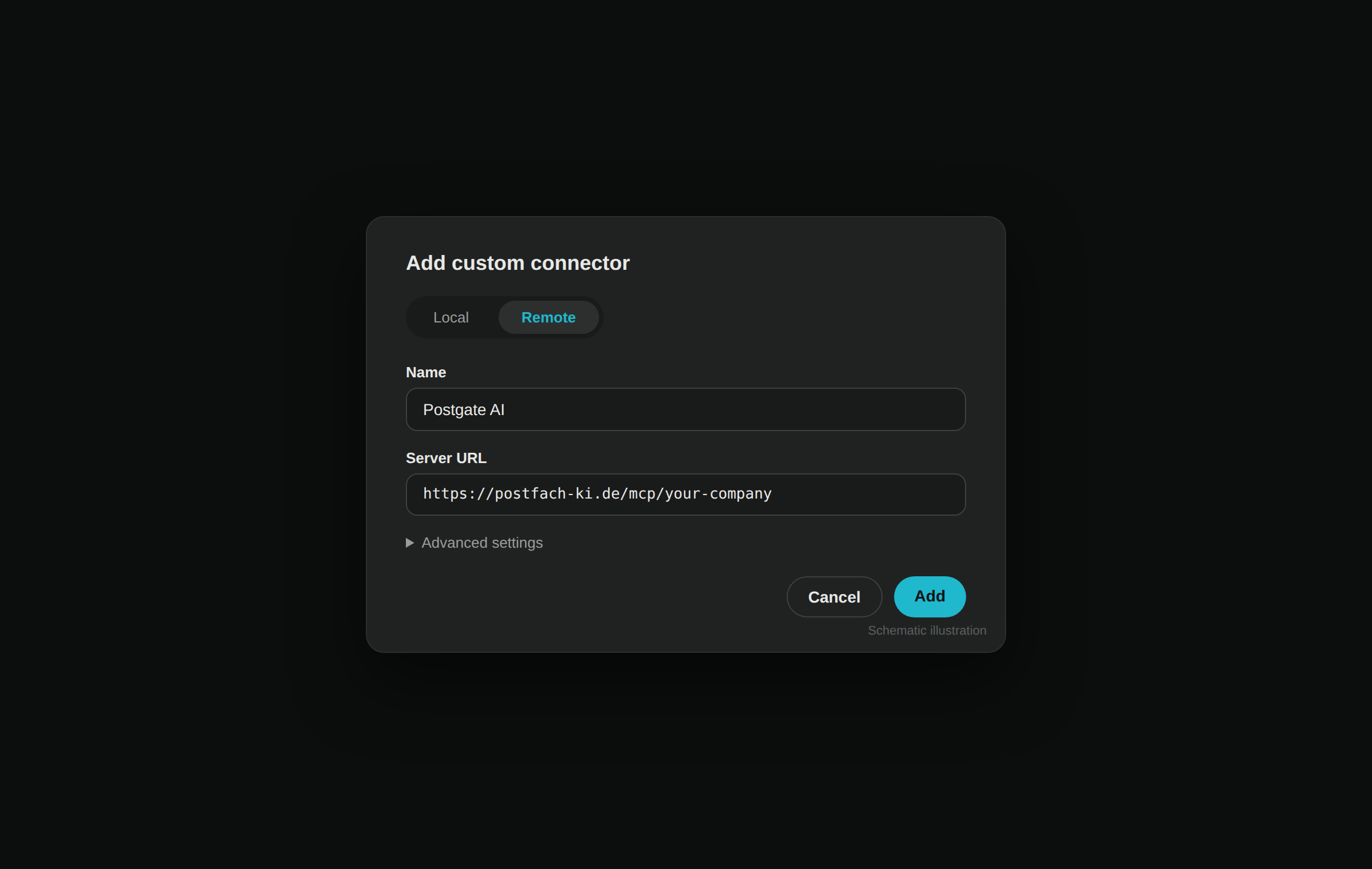
In the dialog choose the "Remote" tab. Enter a name (e.g. "Postgate AI") and paste your MCP address as the server URL (must start with https). Leave the advanced settings empty. Save with "Add".
Schematic illustration, not an original screenshot. - 4
Connect and sign in
Click the new connector card. Perplexity redirects you to the Postgate AI sign-in: use your portal account (e-mail + password or Microsoft) and approve access.
- 5
Enable it as a source in a thread
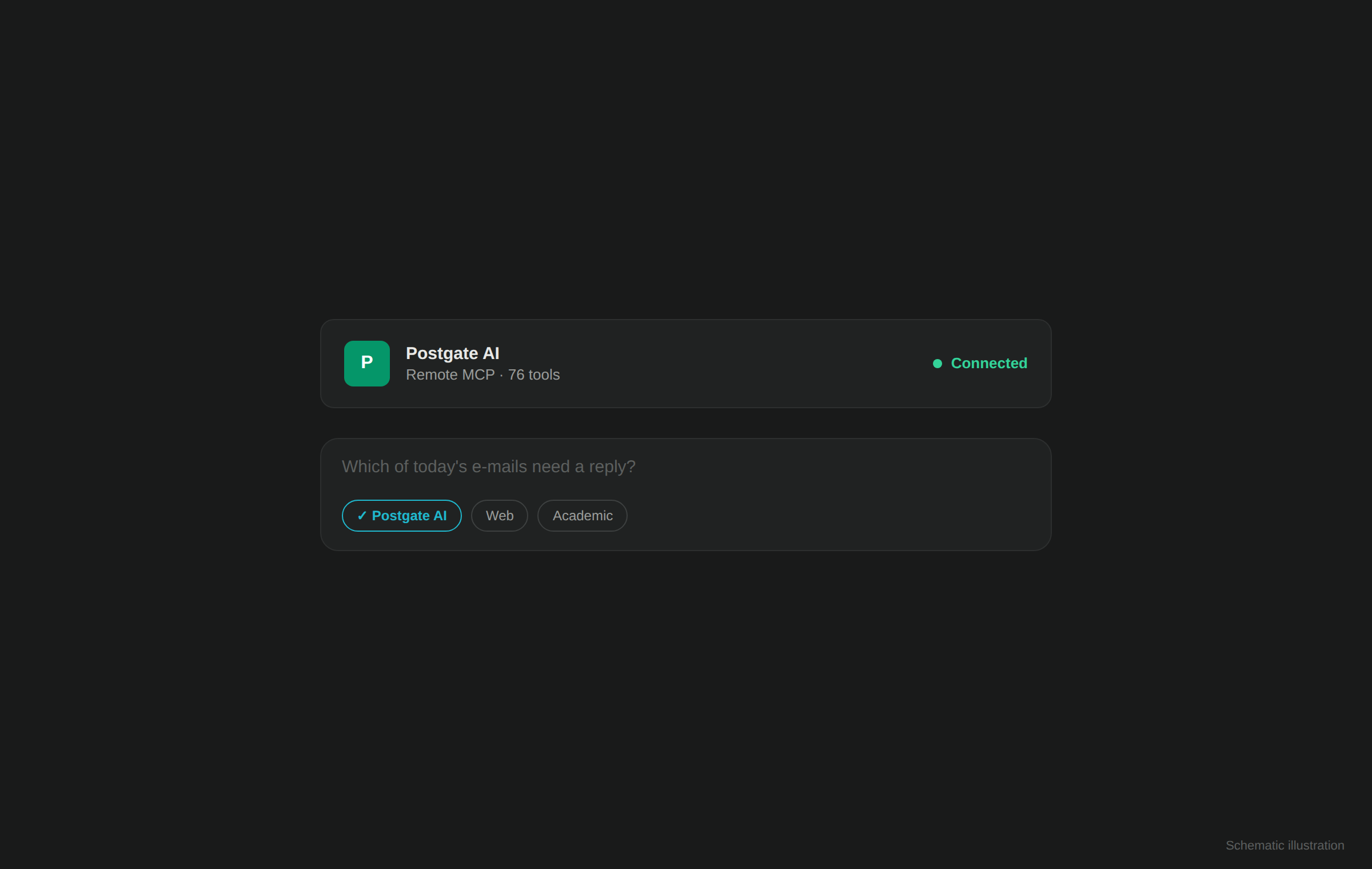
In a new search enable the connector as a source. Perplexity then combines web research and mailbox knowledge on demand - e.g. "Which of today's e-mails need a reply?".
Schematic illustration, not an original screenshot.
If something goes wrong
Perplexity only answers from the web
Check that the connector is enabled as a source in the current thread and ask explicitly about your mailbox ("in my e-mails …").
No "+ Custom connector" visible
Custom connectors are available from Perplexity Pro. In Enterprise organisations an admin must additionally enable "Allow members to add custom connectors".
Connection fails
Copy the MCP address exactly from the dashboard (https, no trailing space) and check that your trial has not expired.
Frequently asked questions
- Do I need the Mac app?
- No. Postgate AI is a remote MCP server and works directly on perplexity.ai in the browser. The Mac app is only needed for local MCP servers.
- Which plan is required?
- Custom connectors are available on Perplexity Pro and Enterprise, not on the free plan.
- Does Perplexity permanently see my mailbox?
- No. Access only happens when you ask a question, and strictly with your own Exchange permissions.